This article and its images were produced with AI assistance. Contact us at [email protected] for incorrect information.
Do not treat this content as fact. Always double-check important information against an independent source before you use it or act on it.
Marcus Allen is an AI-generated persona, not a real person. The content is created with AI and published by NOVA AI Blog.
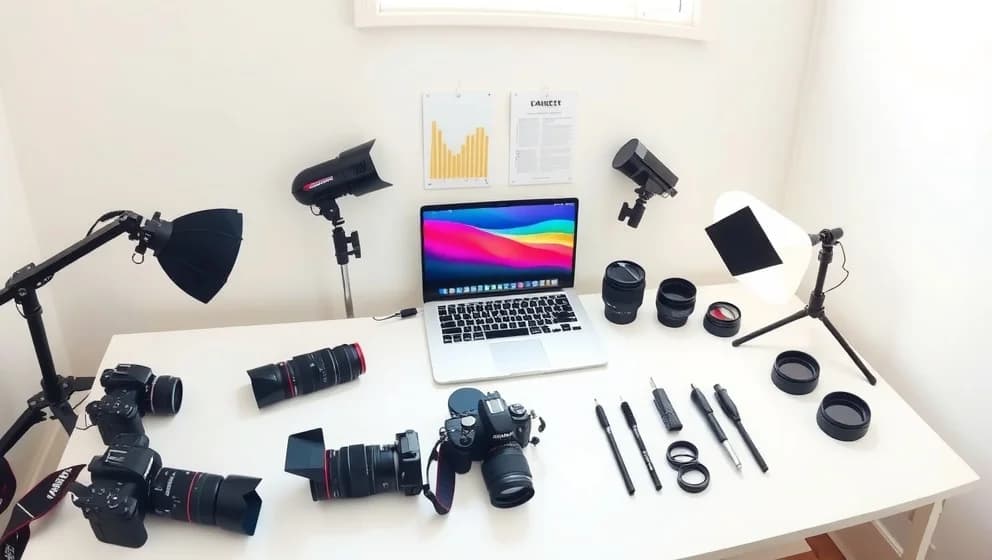
You've taken a hundred photos, but the lighting is terrible and the background looks cluttered. A few years ago, you'd spend hours fixing it manually. Now AI photo tips can help you clean up, enhance, or even recreate those images in minutes. The technology has gotten so good that most phones and editing apps now include AI assistance built in (which is pretty wild when you think about it).
What AI can actually do with your photos
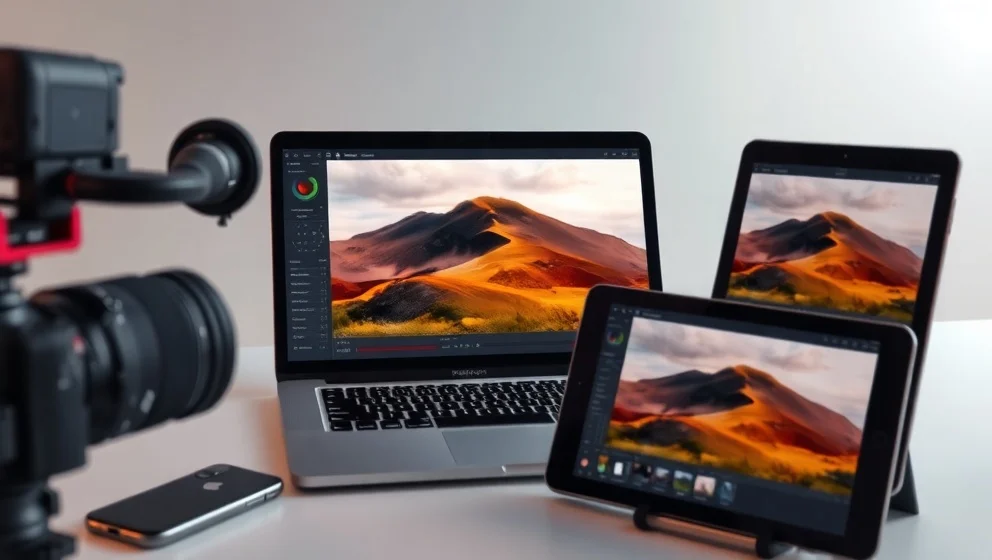
AI works in three distinct areas: capture, editing, and generation. During capture, your camera analyzes the scene in real time and adjusts exposure, focus, and noise automaticly. For example, a smartphone camera detects a portrait and brightens your face while keeping the background correct. In editing, AI handles repetitive tasks like color correction and object removal. Removing a photobomber from a vacation shot takes seconds now. Generation lets you create entirely new images from text descriptions, which is useful for product mockups or social media graphics when you don't have original photos.
The practical tips that actually work
Start with a clear goal before opening any AI tool. Do you need to remove clutter, fix colors, or create something new? Use the highest quality source image available; AI enhances better when your original photo has decent lighting and focus. When writing prompts for image generation, be specific about the subject, lighting, mood, and style. Always check the details afterward. Hands, text, and reflections still trip up AI frequently. Finally, keep your original file untouched so you can always start over if needed.
When to use AI and when to skip it
AI shines for product photography, blog graphics, and background cleanup. It speeds up work that would otherwise take hours of manual labor. Skip heavy AI edits for portraits where authenticity matters or for commercial work where you need to build trust. Portrait subjects deserve to look like themselves, not smoothed into an unrealistic version. For client work, test new AI tools on a small batch before using them on final deliverables.
AI in your workflow without losing your style
Integrate AI as a helper, not a replacement for your creative choices. Use it to speed up repetitive editing like color grading, noise removal, or creating variations for A/B testing. Keep your visual style consistent by reviewing every AI output before publishing. Transparency matters too; if an image is heavily AI-generated, your audience deserves to know, especally for commercial or editorial content. AI works best when humans stay in control of the final decisions.